

Managing organisations
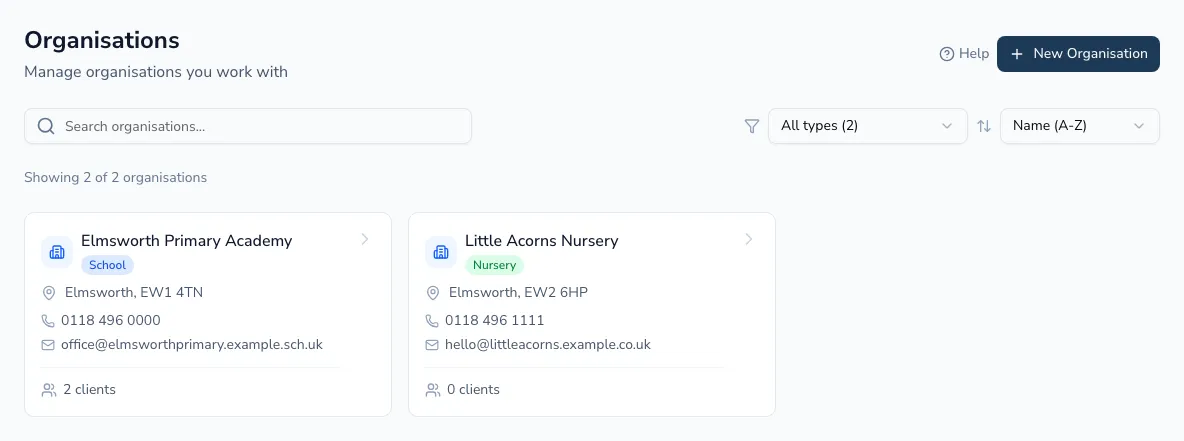
Organisations are the schools, nurseries, companies and other bodies your practice works with — each with its own contacts, linked clients, invoices and contracts, so everything about a school or funder sits in one place. The page is a directory of cards showing each organisation’s client and contact counts.
Education settings — schools, nurseries and preschools
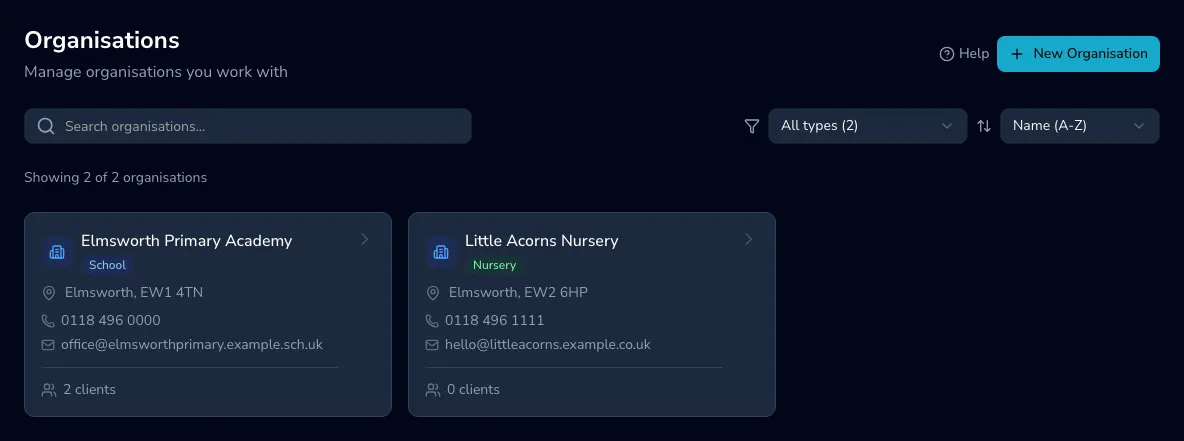
Section titled “Education settings — schools, nurseries and preschools”Nurseries and preschools are education settings, the same as schools — one organisation type, with a setting type that says what kind it is (nursery, preschool, mainstream primary, specialist, and so on). The setting type shows on the organisation’s badge wherever it appears, so “Little Acorns Nursery” reads as a nursery at a glance while living alongside the schools you work with.
If you filter by schools you’ll see every education setting, with the type filter narrowing further. Anything you’d previously added as a separate nursery or preschool has been moved across automatically — nothing to redo.
Finding organisations
Section titled “Finding organisations”Search by name, city or postcode; filter by type (with counts); and sort by name, type, most clients or most contacts.
Adding an organisation
Section titled “Adding an organisation”Choose New organisation and pick how to add it:
- School search — find a UK school from the reference database (by name, and identifiers like its URN), so its details are filled in for you.
- Company lookup — look a company up (Companies House style) to pre-fill its registered name, number and address.
- Manual entry — type the details in yourself.
Once added, open an organisation to manage its contacts, billing, linked clients and contracts — see The organisation record.