

The Today view
Today is a focused day-at-a-glance workspace that changes with the time of day — from morning prep, through your active sessions, to wrapping up. It shows your own day — your appointments, your notes — so a busy team practice doesn’t start the morning wading through everyone else’s diary.
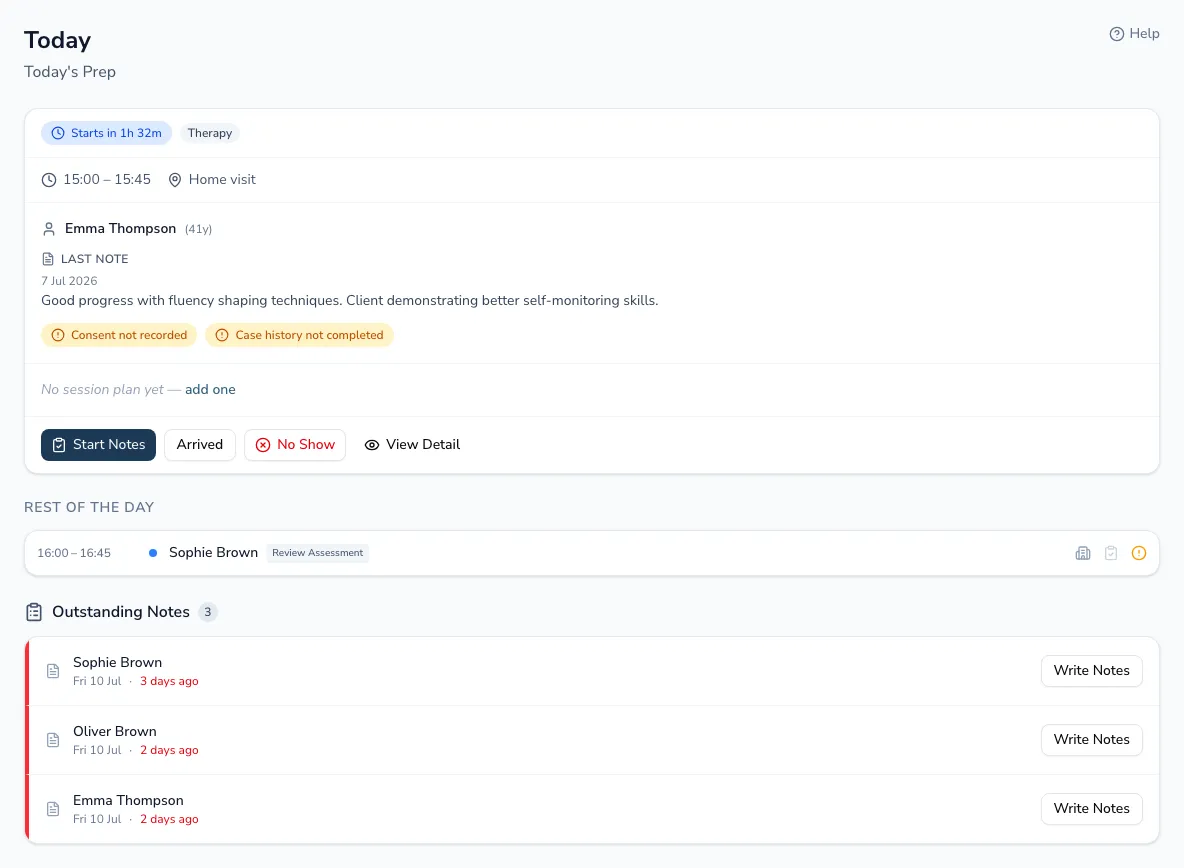
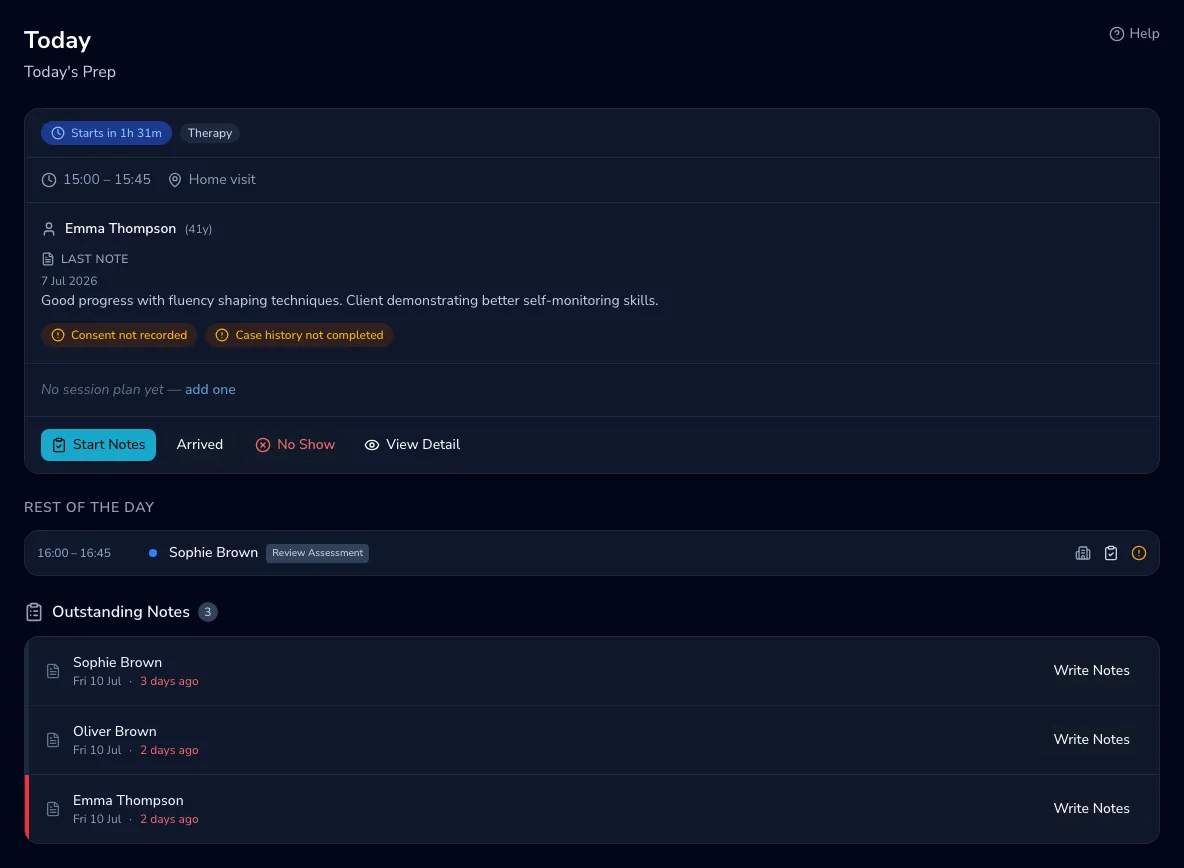
Through your day
Section titled “Through your day”- Next appointment — a hero card for your upcoming session, showing the client’s goals, their last clinical note, and the resources you’ve planned.
- Today’s timeline — the rest of the day’s sessions, each with the same context to hand. A cancelled session stays in the list so you can see the gap, but it’s dimmed and struck through with a Cancelled label, and it isn’t included when you send reminders.
- Outstanding notes — write clinical notes for past appointments without leaving the page. The count shows everything you’re behind on; if there’s more than fits here, View all takes you to the full list.
Your day, or the whole practice
Section titled “Your day, or the whole practice”Today always opens on your own appointments. If you’re a practice owner or manager with a team, a My day / Whole practice switch at the top lets you look across everyone’s day — useful for spotting gaps or checking how the practice’s day is going. Practicos remembers your choice, so Today opens the way you left it. Solo practices don’t see the switch — your day is the whole practice.
Outcomes to confirm
Section titled “Outcomes to confirm”Sessions sometimes end without anyone recording what happened — the 3pm appointment stays “scheduled” for ever, and your attendance figures quietly drift from reality. Outcomes to confirm lists today’s past appointments still waiting for an outcome, each with three one-tap choices: Happened, No-show or Cancelled (cancelling asks the same with-or-without-notice question as everywhere else).
If older appointments are also unresolved, a “… older appointments unresolved” link opens that backlog right there, so nothing stays hidden just because it scrolled off today. When everything’s resolved you’ll see “All caught up” — the section stays visible as reassurance.
Wrapping up
Section titled “Wrapping up”Later in the day, Today shows a summary — how many sessions you completed (counted separately from cancellations and no-shows) and how many of today’s notes are still to write — followed by your outstanding notes, then a preview of your next working day so you can close today before looking ahead. If you don’t work every day, the preview skips your days off: finish on a Thursday and it shows Monday, labelled with the day. It also skips booked annual leave and any bank holidays you’ve added to your calendar, so the evening before your holiday shows the day you’re actually back. Days with no appointments show the preview too.
Before-session flags
Section titled “Before-session flags”If a client on today’s list has no consent recorded or their case history hasn’t been completed, Today shows a small amber flag on their appointment — click it to go straight to their record and resolve it. Sessions where the child isn’t attending don’t show flags.